
Searching Cases by Name
For district-court cases, the St. Tammany Parish Clerk of Court points users to re:SearchLA. You sign in with eFileLA credentials, or you register first. The official guidance splits the work into three paths: Cases, Filings, and Hearings. Cases suits a case-level lookup. Filings works best when you are hunting a document. Hearings is the right path for a court date. One caution: a common name can return more than one case. Match the labels before you open any file.
- Choose the St. Tammany Parish clerk’s re:SearchLA link for a 22nd JDC civil or criminal matter. Stop and use the lower court’s own source if the notice names City Court, a mayor’s court, or a ward justice court.
- Enter the name in the local Smart Search order: Last Name, First Name, Middle Name, Suffix. Use the most complete reliable name from the court paper.
- Choose a division filter when it is known, then inspect case description, record number, parties, judicial officer, and location before selecting a result.
- Open Case Details for the summary, filings or documents, and available hearings. A hearing-type link can open hearing details when the portal exposes one.
- For help after an online failure, use the Civil Department at (985) 809-8733, Criminal Department at (985) 809-8732, the general clerk line at (985) 809-8700, or the clerk counter.
The Smart Search fields show plainly which search keys the system supports. A basic case result is one thing. Pulling a filing image or a certified copy may carry separate access rules or fees.
| Field | Type | Required | St. Tammany use |
|---|---|---|---|
| Smart Search | Text | No separate marker | Enter a record number or a name. |
| Name | Text | Optional | Use Last Name, First Name, Middle Name, Suffix. |
| Wildcard name | Text syntax | Optional | Use at least three last-name letters, an asterisk, a comma, then at least one first-name letter and an asterisk. |
| Court Division Type | Filter | Optional | Civil, Criminal, Family, or Probate. |
| Advanced options | Filters | Optional | Party, Case, Judgment, Warrant, Protection Orders, business-name, and attorney-name paths are documented. |
St. Tammany Case Name Wildcards
Unsure of a spelling? The clerk's Smart Search tips give a local wildcard format: Smi*, J*. Type at least three last-name characters, then the asterisk. After the comma, give one first-name character and another asterisk. Remember that a wildcard is only a search tool. It does not prove that every similar name is your party.
For business names, drop commas and suffixes like LLC, INC, or CO. The advanced options also include an attorney-name path. A nickname the clerk never received simply cannot surface in the results.
Searching by Case Number
A case number is often the cleanest key for a St. Tammany Parish docket search. Official Smart Search labels it the "Record Number". It tells you to enter the desired case number. No official source publishes a firm local format by case type. So never build a number from a guessed year, division, or sequence. Copy it exactly. Use the citation, notice, or prior filing: Record Number as printed on the court paper.
The re:SearchLA guide notes that generic Tyler searches may skip dashes or leading zeros. Does local Smart Search guidance differ? Follow the local one. A failed record-number search? Retry by name, then call the clerk rather than guessing digits.
St. Tammany Case Division Filters
St. Tammany Parish Smart Search documents four division filters: Civil, Criminal, Family, and Probate. Choosing the right one tames a common-name search fast. Do you not know the court type? Leave the filter broad. You will then need to compare party names, case description, and court location before trusting a hit.
The clerk holds 22nd JDC records by function: civil, domestic, succession, tutorship, probate, felony, misdemeanor, juvenile, non-support, traffic, and appeals. The filter only narrows the parish clerk's system. It cannot pull City Court or mayor's-court files into a parish-clerk case search.
What a Case Search Returns
What comes back? Depending on the record and your account, results vary. A St. Tammany Parish case search can show case details, filing and document information, hearing information, and a case summary. The clerk's minutes matter too. The Criminal Department posts public criminal court minutes, and the Civil Department offers minutes for public civil, domestic, succession, and tutorship records. One caveat: a portal entry is an index to the court record, not a certified copy.
| Record number | The clerk or court identifier used to locate the case. Search it as printed on the notice. |
|---|---|
| Case type and description | The classification that helps distinguish cases with similar party names. |
| Parties and attorneys | Participants and counsel shown in the available public view. |
| Judicial officer and location | The division, judge, commissioner, or associated court information returned for the case. |
| Filings and hearings | Available documents, filed events, hearing entries, and hearing details where the portal exposes them. |
| Case summary | A view of public case-level information, which can differ from a clerk-certified record. |
St. Tammany Case Detail Tools
The re:SearchLA quick reference lists handy result tools: export, saved search, case folders, alerts, a copied case URL, and the Case Details view. The official re:SearchLA interface lays out the St. Tammany case-search screen.
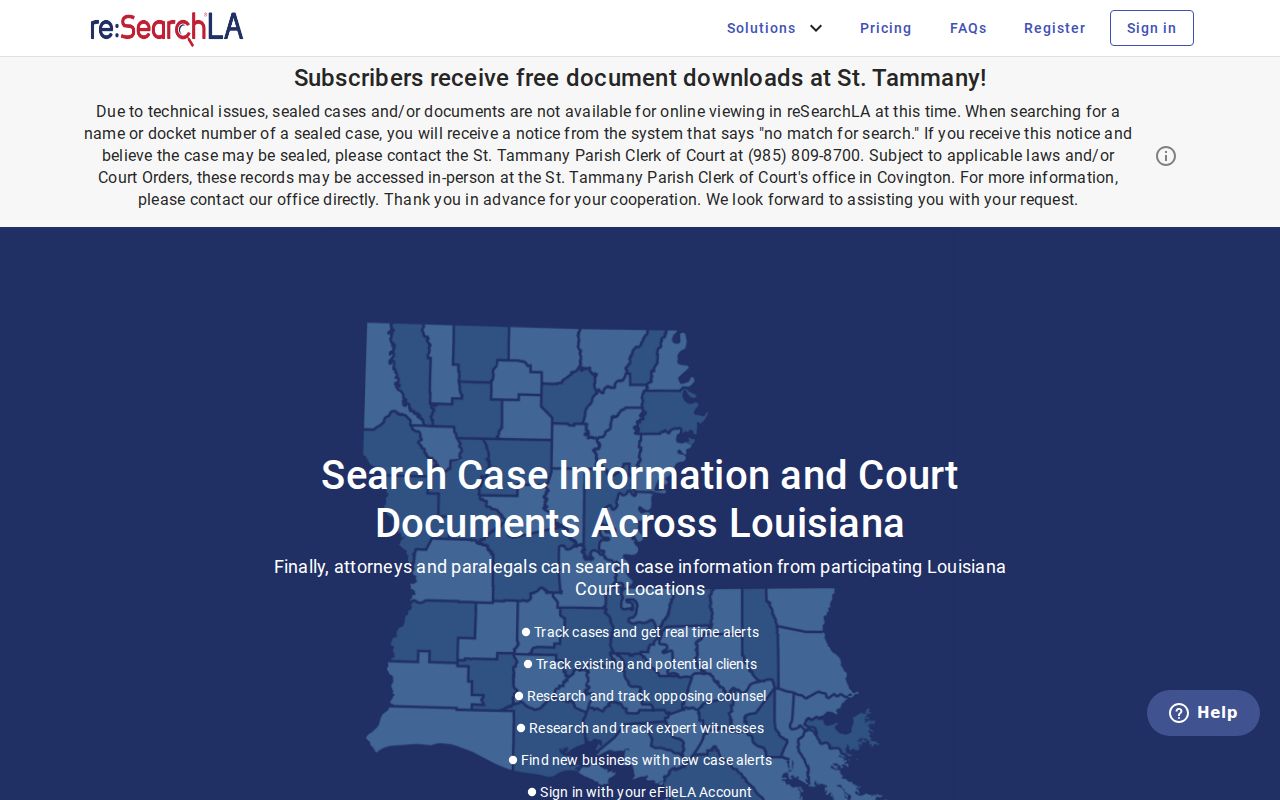
These tools help you organize a public search result. They change no access limits, and a saved result should be rechecked whenever an upcoming hearing or a new filing matters.
Statewide vs County Case Search
re:SearchLA is the statewide remote-access framework for participating courts, built on clerk links. For 22nd JDC case records, though, the St. Tammany Parish Clerk remains the practical home. eClerksLA and Clerk Connect support the state's electronic filing and remote-access backbone. Neither the statewide branding nor a portal account guarantees that every lower-court docket shows up in one combined case lookup.
| St. Tammany clerk route | Statewide access layer |
|---|---|
| Use the clerk’s re:SearchLA link for 22nd JDC civil and criminal cases. | re:SearchLA and LCRAA infrastructure support remote records access and related court technology. |
| The parish clerk is the source for certified copies, department help, counter access, mail or phone requests, and archives. | The statewide layer is not a promise that City Court, mayor’s court, or JP files will be present. |
| Use the named St. Tammany custodian for a known local court file. | Use the portal’s search modes and filters for available participating records, then verify with the originating court. |
St. Tammany eClerksLA Access
eClerksLA is the Louisiana Clerks Remote Access Authority landing page. It covers electronic filing and remote access. It does not replace the St. Tammany Parish Clerk's routing for parish case records. For public case discovery, stick with the clerk's re:SearchLA link and the court named on your paperwork. The official page shows the statewide services on offer.
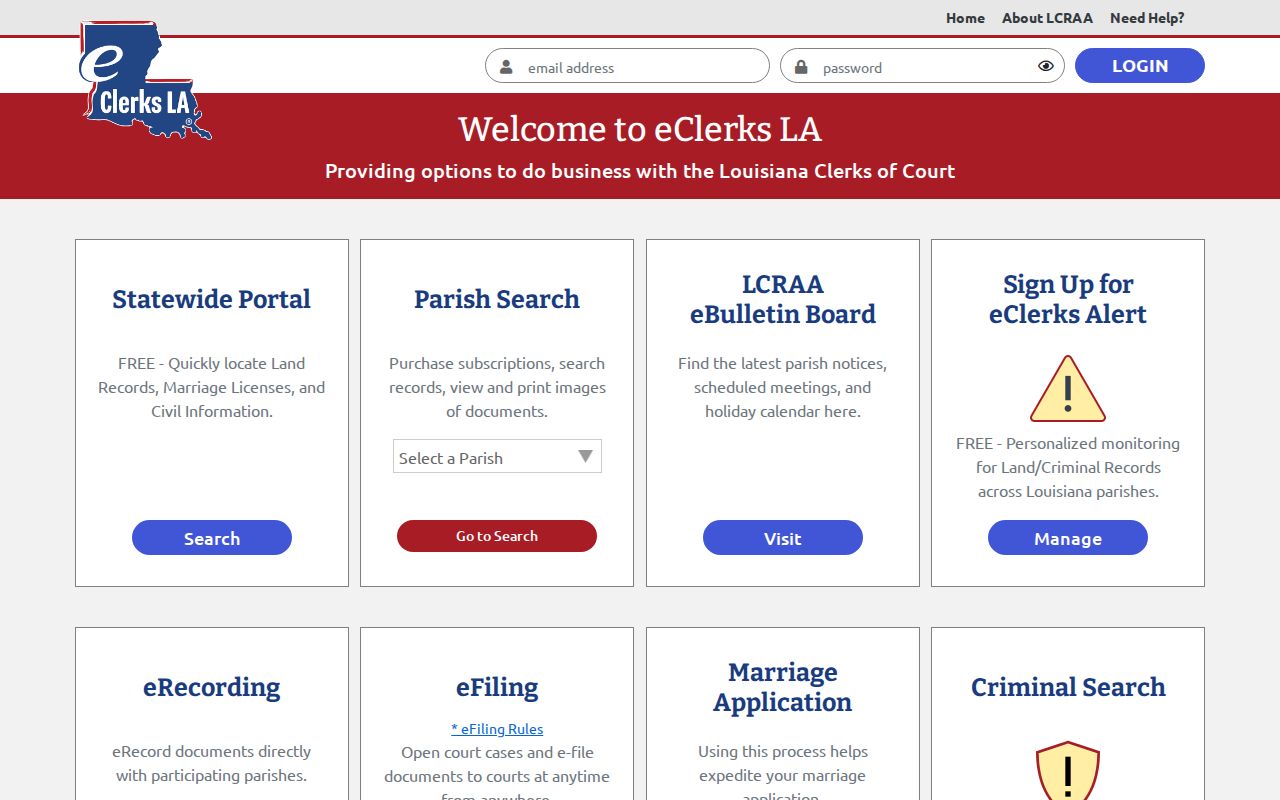
The statewide interface goes by eClerksLA, and it ties parish courts into one portal for public case details. That setup is why e-filing, remote access, and case information can show up under related but different court-service names.
St. Tammany Lower Court Searches
Not every St. Tammany Parish record sits with the parish clerk. East of the parish line, the City Court of East St. Tammany runs its own dockets. Traffic, criminal, and juvenile cases go there. So do civil, small claims, evictions, and adoptions. Covington and Mandeville each keep a Mayor's Court. Those courts handle city-ordinance and city-traffic matters. A ward justice court handles its own limited civil and eviction docket. So a parish clerk search is not the same as a lower-court search.
Match the record to the court that holds it. City Court items belong in that court's calendar, contact, or payment channel. A city citation goes to the Mayor's Court of the city that issued it. That routing beats repeating one broad parish docket search every time.
Access and Restricted Cases
Public access to a St. Tammany Parish court docket has real limits. The clerk's current notice states that sealed cases and sealed documents cannot be viewed online in re:SearchLA. A docket search may return "no match." Juvenile records are generally confidential. The rule comes from Louisiana Children's Code art. 412. Court orders and confidentiality laws can also restrict family, protective-order, adoption, and personal-identifier records.
Louisiana Code of Civil Procedure article 251 names the clerk as custodian of court records. It allows certified copies, subject to other law. An empty online result is not proof. It does not show that a record is absent. For a restricted 22nd JDC record, reach the right Civil or Criminal Department. Older cases also complicate things. Civil records before 1986 and criminal records before 1977 may need the archives route.
St. Tammany Case Search Timing
Timing explains many surprises in a recent St. Tammany Parish case lookup. The Civil Department's current processing notice tracks each stage on its own: pleading entry, e-filing entry, orders issued, scanning, rush or daywork, and new suits. Those steps happen separately. A filing lands in the workflow first. It may not reach a public case search or a scanned image until later.
When timing matters, set the court paper beside the latest case details. Then call the Civil Department. A slow online entry is a signal to verify. It is not a reason to invent a record number or assume dismissal.
St. Tammany No-Match Checks
Start a no-match check by retrying the exact name. Try the documented wildcard form too. Also retry the record number. Then ask whether the case is recent, sealed, expunged, restricted, or held by a different court. The Civil Department's daily processing notice splits things into separate stages. Pleadings, e-filings, orders, scanning, rush or daywork, and new suits each move on their own. That split means a filing date can come before a visible entry or a scan.
For a formal 22nd JDC public-record request, the court lists Amber Mitchell. She sits in Room 3210 at 701 N. Columbia. Call (985) 809-5300, fax (985) 809-5390, or email amitchell@stpgov.org. Those channels back up the clerk offices whenever portal access leaves a records question open.
St. Tammany Certified Case Copies
A public search result, a court minute, a document image, and a certified copy are not the same thing. Only the clerk issues the official certified court record. When a copy is needed, use the proper department. The counter works, and so do mail, phone, or a request form. Ask the clerk about current copy, certification, subscription, or e-access charges. Access and image availability can differ from the public index. Note: a search result can locate a case. But the originating clerk is the proper source for the official certified court record.